This topic covers getting started with an EHR: Compliance and Training folder.
Create Folder
- Navigate to the EHR Project where you want the folder to be.
- Select > Folder > Management and click Create Subfolder.
- Select Compliance and Training as the folder type. In this example, we also name the folder "Compliance And Training" for clarity.
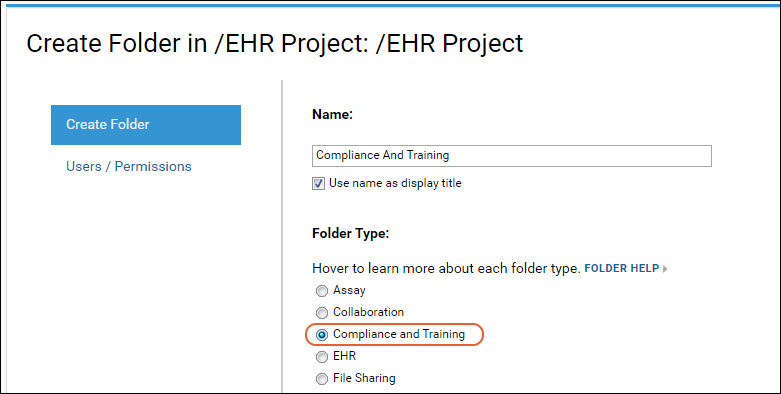
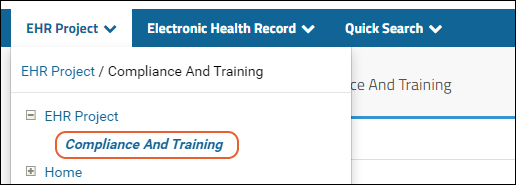
- Click Next, then Finish to create the folder with defaults.
Set Module Properties
In that new folder, select
> Folder > Management and click the
Module Properties tab. Scroll down to the
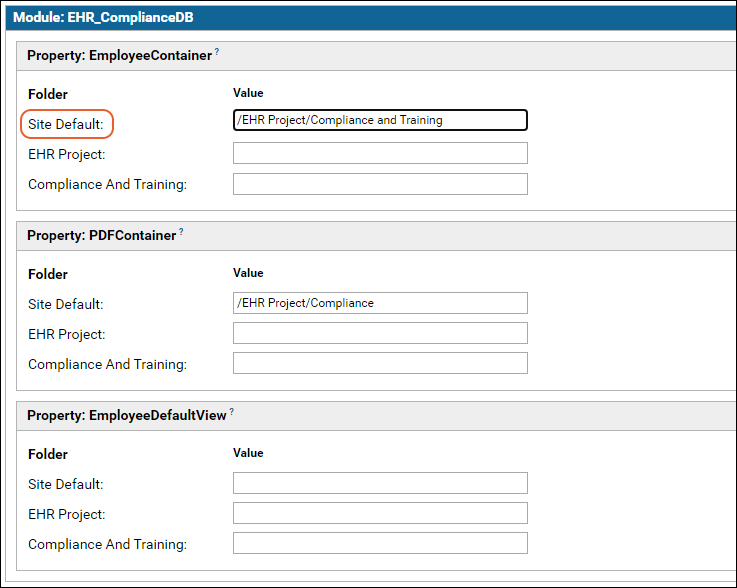
EHR_ComplianceDB section and set the
Employee Container to the folder you just created. You will generally want to set the
Site Default so that this folder is used site-wide.
Scroll down and click
Save Changes.
Compliance and Training Dashboard
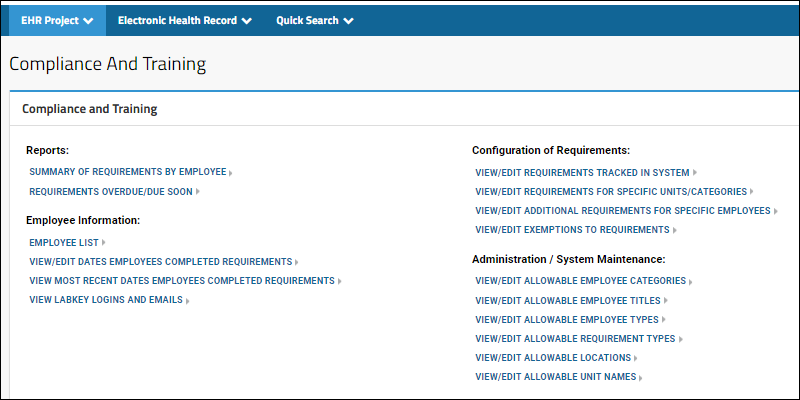
Now the new folder will show the actions and reports available.
Related Topics

